> For the complete documentation index, see [llms.txt](https://docs.admira.com/llms.txt). Markdown versions of documentation pages are available by appending `.md` to page URLs; this page is available as [Markdown](https://docs.admira.com/english/production/categories.md).
# Categories
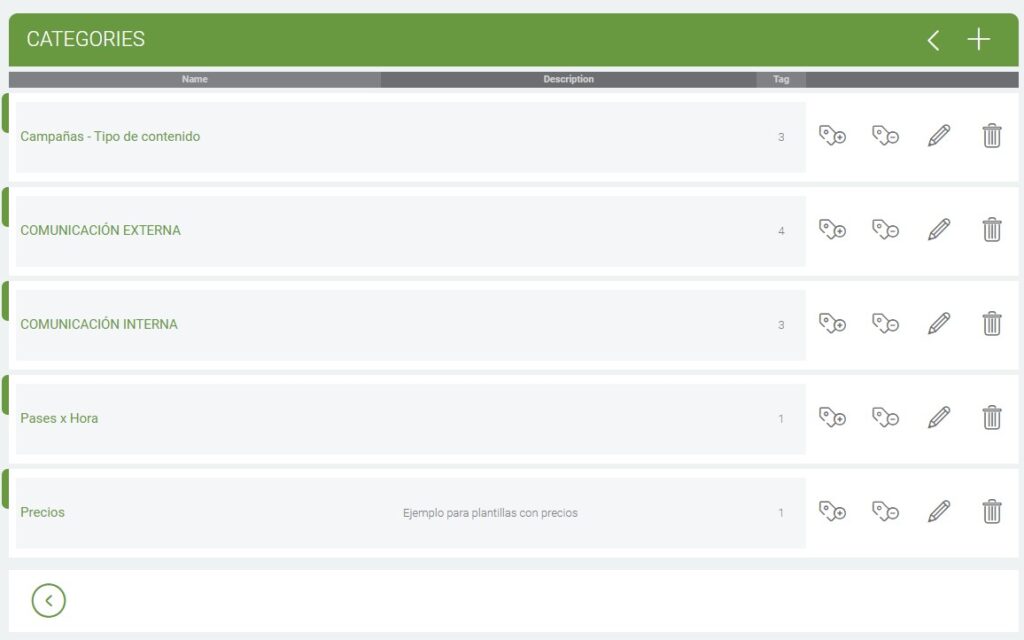
In this section we can create the categories, which are the labels of the content that tells you what percentage of broadcast it will have in the players of our circuit.
Category list
## Create a Category
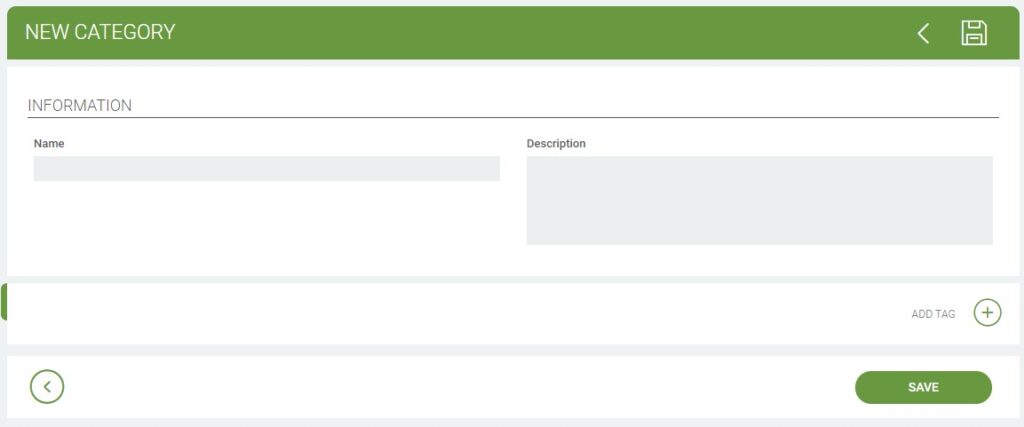
When we go to create a category it will ask us:
* Name
* Description (optional)
* And create a **Tag** for that category
New category
## Once created
* We can add or remove **Tags** within the **Category**
* Edit **Category**
* Remove the **Category** along with the **Tags** inside